

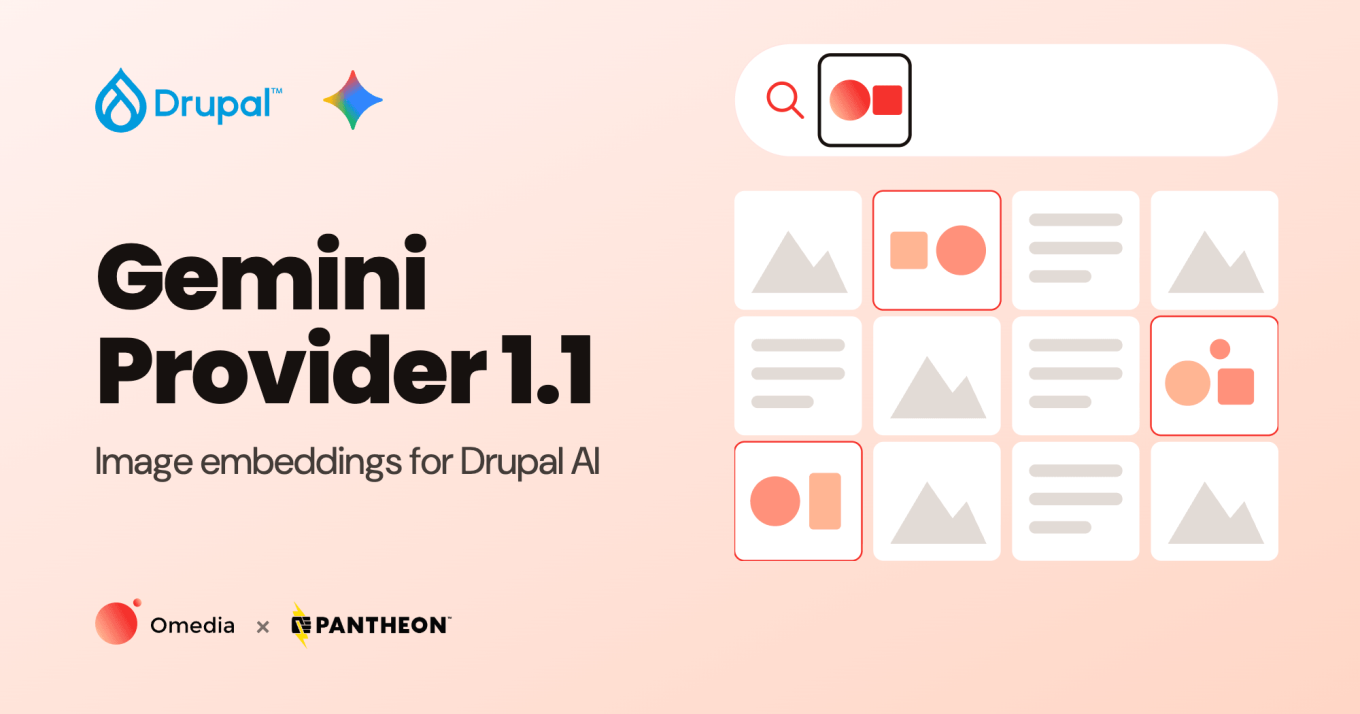
We have released Gemini Provider 1.1.0, the first feature release since the module became stable in March. Its headline feature is image embeddings: your Drupal site can now turn images into vectors, on their own or together with text, and use them for search and retrieval-augmented generation. The release also moves every default to Google's current Gemini models, streams responses into CKEditor, and makes image and audio handling more reliable.
Gemini Provider connects Google's Gemini API to the Drupal AI module, so any feature built on the AI module can use Gemini for chat, embeddings, image generation, text to speech and speech to text. Version 1.1.0 works with Drupal 10 and 11 and requires AI module 1.2 or later.
Image Embeddings
Embeddings turn content into vectors, so that similar content ends up close together. They power semantic search and retrieval-augmented generation (RAG) in modules such as AI Search. Until now, the provider could only embed text.
In 1.1.0, an embeddings request can include an image. The image can be embedded on its own, or together with text such as a caption, in which case Gemini produces a single vector that represents both. Gemini is one of the few providers in the Drupal AI ecosystem that can embed images at all, and this release makes that available to every module that uses the AI module's embeddings operation.
That opens up use cases text-only embeddings cannot cover:
- Searching a media library by what the images show, not only by their file names and alt text.
- Finding visually similar products, articles or assets.
- Indexing image-heavy content, such as galleries and product catalogs, for semantic search.
The release also corrects the embeddings details the provider reports to the AI module. Each model's vector size and input limit are now reported accurately, so vector databases are created with the right dimensions, and AI Search splits content into chunks that fit the model.
Current Gemini Models by Default
Google has retired the models that 1.0 used as defaults. The speech to text default has been shut down, and the chat default is no longer available to new API users, so a new site relying on the 1.0 defaults could not chat or transcribe audio.
Version 1.1.0 defaults to Google's current generation of Gemini models for chat, embeddings, image generation, text to speech and speech to text, and we tested each of them against the live Gemini API before the release. The model lists in the admin UI now also leave out dedicated transcription models, which the provider cannot use, and text to speech produces valid audio with Google's newest voice models.
Streaming in CKEditor
The provider now tells the AI module that it can stream chat responses. CKEditor's AI assistant uses this to show Gemini's answer as it is written, instead of waiting for the complete response.
More Reliable File Handling
Images and audio now reach Gemini in a format it accepts. WAV and AIFF recordings uploaded to Drupal can be transcribed, and images with a non-standard file type label are accepted. Files Gemini cannot process, such as GIF images, now fail with a clear error message, which the AI module logs and can pass to a fallback provider. Before, they ended the request with an unhandled error.
Upgrading from 1.0
Update the module with Composer, then clear the caches:
composer update drupal/gemini_provider
drush cr
After updating:
- Check your default models. The new defaults only apply to new installs, so an existing site keeps the models it was set up with. If your site still uses
gemini-2.0-flashfor speech to text orgemini-2.5-flashfor chat, select current models at Configuration → AI → Default Models for AI Operations (/admin/config/ai/settings). - Reindex AI Search if you use
gemini-embedding-2and have not set an explicit chunk size. The chunk size the provider reports for this model has changed.
Get Started
New to the module? Install it with Composer and enable it:
composer require drupal/gemini_provider
drush en gemini_provider
Then create a Gemini API key, store it with the Key module, and select it at /admin/config/ai/providers/gemini. Finally, choose Gemini for the operations you want at Configuration → AI → Default Models for AI Operations.
The full list of changes is in the 1.1.0 release notes.
Thank You
We're grateful to Pantheon for sponsoring the development of Gemini Provider and for backing open source AI in Drupal.
Thanks to the Drupal AI Initiative team for their work on the AI module and the ecosystem Gemini Provider builds on. This release was also a real community effort. Thanks to marcus_johansson, a.dmitriiev, jucs7 and csakiistvan, whose contributions shaped it.
Found a bug or have an idea? Tell us in the issue queue. And if you are planning an AI project on Drupal, we would be glad to help.